
How To Format A Flash Drive Fat32
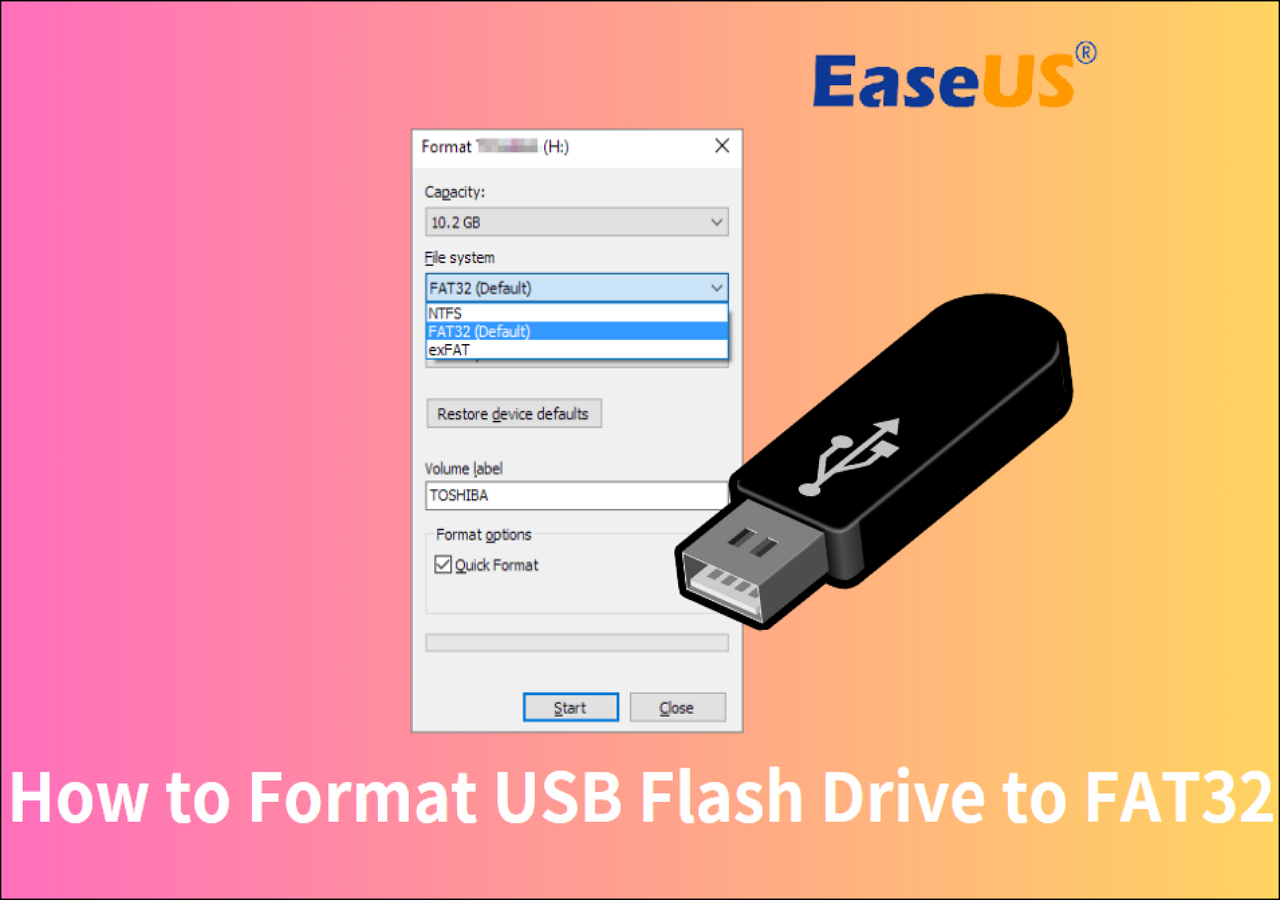
Ever feel like your little USB flash drive is a bit of a digital chameleon, but sometimes it just doesn't want to play nice with certain devices? Well, get ready to unlock a secret superpower for your flash drives! Today, we're diving into the wonderfully simple world of formatting them to FAT32. Think of it as giving your drive a universal translator, making it compatible with almost anything. It’s a surprisingly satisfying little tech task that can save you a world of hassle.
So, why FAT32? It's an older file system, but that's precisely its strength! For beginners, it's a fantastic starting point because it’s straightforward and works with pretty much every operating system out there – Windows, macOS, Linux, and even older devices like smart TVs, car stereos, and gaming consoles. Imagine sharing photos with your grandparents on their TV, or playing music in your car without a hitch. That’s the magic of FAT32!
For families, it means no more scrambling to figure out which drive works with which gadget. Want to transfer school projects from a Windows PC to a Mac? FAT32 makes it a breeze. For the hobbyists out there, whether you're a photographer moving files between cameras and computers, a musician sharing tracks, or a gamer updating your console, FAT32 ensures your data travels smoothly. It’s the reliable workhorse of file systems.
You might be wondering about alternatives. Newer file systems like exFAT are great for larger files, but FAT32’s universal compatibility is its standout feature. Think of it like this: exFAT is a high-performance sports car, great for specific terrains, while FAT32 is a trusty, all-terrain vehicle that can go almost anywhere. For most everyday tasks and sharing across different devices, FAT32 is the go-to choice.

Getting started is easier than you think. You don’t need fancy software; your operating system has it built-in! Here’s a super simple tip: on Windows, just plug in your flash drive, open File Explorer, right-click on the drive, select "Format," and choose "FAT32" from the file system dropdown. For Macs, you'll use Disk Utility. It’s a few clicks and you're done! Just remember to back up any important data on the drive before you start, as formatting will erase everything.
It’s a small step that can make a huge difference in your digital life. No more "incompatible file system" errors, just smooth sailing. So go ahead, give your flash drives the universal language of FAT32, and enjoy the freedom of sharing your digital world with ease. It’s a simple skill that brings a lot of convenience and a touch of tech mastery to your everyday!