
How Do I Set Up A Kindle
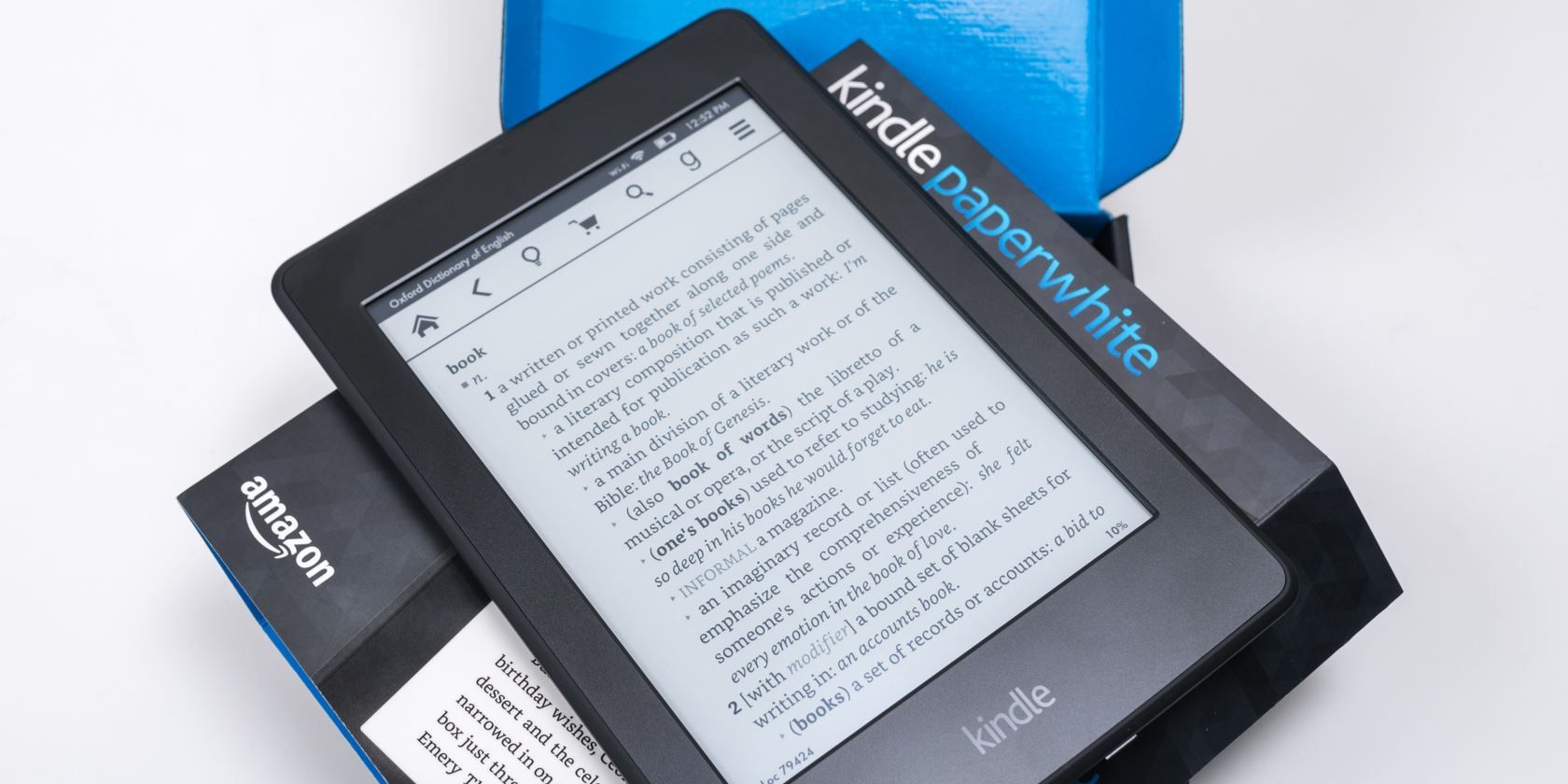
So, you've got yourself a shiny new Kindle! Maybe it was a gift from a well-meaning aunt who thinks you "read too much" (as if that's a thing!), or perhaps you finally caved and treated yourself. Whatever the reason, you're now holding this magical little device, and your biggest question is probably, "Okay, now what?" Don't worry, setting up your Kindle is less like assembling IKEA furniture and more like unwrapping a surprise present. It's surprisingly simple, and dare I say, kind of fun!
First things first, let's talk about the unboxing experience. It's usually pretty straightforward. You'll likely find your Kindle nestled in some cardboard, perhaps with a USB cable peeking out. Resist the urge to just rip everything apart like a toddler on Christmas morning (though I understand the excitement). Take a moment to appreciate the sleekness. This is your ticket to a whole universe of stories, all in one light, portable package. Imagine all the books you've ever wanted to read, crammed into this one device. It’s like having a portable library, minus the stern librarians and overdue fines.
Now, for the initial power-up. Press and hold that little power button until you see a friendly splash screen appear. It might be the Amazon logo, or a picture of a serene landscape. This is your Kindle saying, "Hello! Ready to get lost in a good book?" The very first thing it will ask you to do is connect to Wi-Fi. Think of Wi-Fi as the magic portal that connects your Kindle to the vast digital bookstore. You'll see a list of available networks, just like when you're trying to connect your phone at a coffee shop. Select yours, type in your password (the one your internet provider gave you, not your dog's name), and voilà! You're connected.
Next up, you'll likely be prompted to sign in to your Amazon account. This is where the real magic happens. If you already have an Amazon account, just enter your email and password. If you're new to the Amazon universe, don't fret; you can create a new account right there on the Kindle. This account is like your digital passport to Amazon's vast library of books. It’s also how you’ll keep track of all your purchases and sync your reading progress across different devices. Imagine you're halfway through a gripping thriller on your Kindle, then you hop on your tablet and pick up right where you left off. It’s a beautiful thing.
Once you're signed in, your Kindle will likely do a little bit of housekeeping, downloading any available updates. This is like your Kindle getting a fresh coat of paint or learning a new trick. It’s usually pretty quick and painless. While it’s doing its thing, you might see some helpful tips pop up. These are genuinely useful, not like those boring instruction manuals that nobody ever reads. They’ll show you how to navigate, adjust the font size (a lifesaver for tired eyes!), and even how to buy new books.
![How to Set Up Kindle Devices in 2025 [Installation & Setup Guide]](https://www.cloudwards.net/wp-content/uploads/2021/11/Kindle-User-Guide-How-Does-Kindle-Work-800x480.png)
It’s like having a portable library, minus the stern librarians and overdue fines.
Now, for the moment of truth: getting your first book! You can either browse the Kindle Store directly from your device or, if you're already an Amazon shopper, you can buy books on your computer and have them magically appear on your Kindle. Once you've found a book that tickles your fancy (or perhaps one recommended by your secretly bookish friend), a quick tap or click, and it's yours. The download is usually incredibly fast. You’ll see a little progress bar, and then… there it is. Your very first Kindle book, ready and waiting.
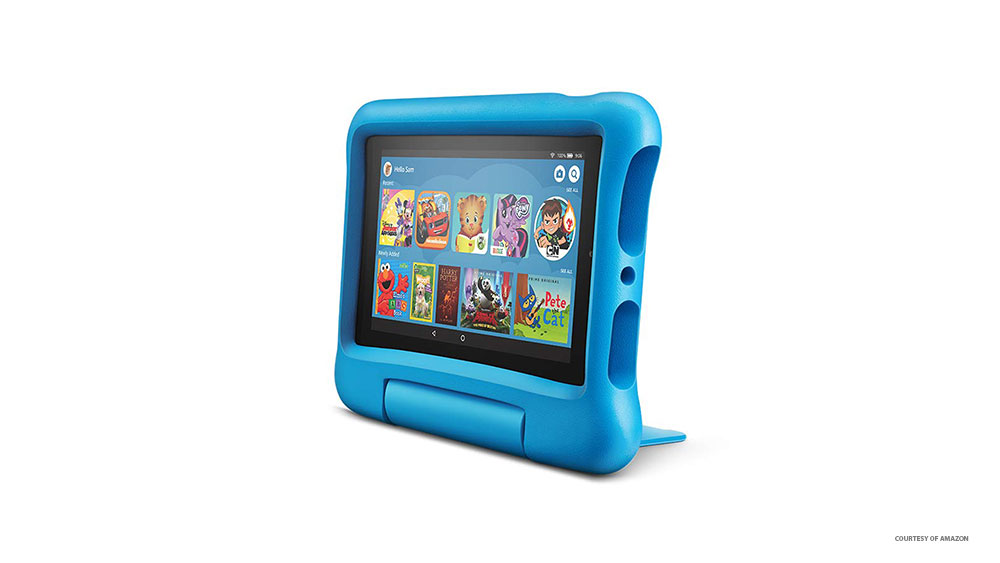
Opening your first book is a special moment. It’s like unlocking a new world. You’ll see the cover, then the title page, and then, the beginning of the story. The screen is designed to be easy on the eyes, mimicking real paper. It’s so good, you might even forget you’re not holding a physical book. You can tap the screen to turn pages, and adjust the brightness so you can read comfortably in a dimly lit room or under the harsh glare of an airplane cabin. It's surprisingly intuitive. No complicated buttons or confusing menus.
And that’s pretty much it! You’ve set up your Kindle. It's ready for adventure. Think of all the possibilities. Late-night reading sessions in bed without disturbing your partner. Traveling light with a whole library in your bag. Discovering new authors you never would have stumbled upon in a physical bookstore. The joy of a Kindle isn’t just in the technology; it’s in the stories it unlocks. It’s in the quiet moments of escape, the thrilling plot twists, and the heartwarming characters that become your companions.
Don’t be afraid to explore. Tap around, see what the menus do. The Kindle ecosystem is designed to be user-friendly. You can even send documents to your Kindle, turning it into a portable memo pad or a place to stash those articles you’ve been meaning to read. It’s more than just an e-reader; it’s your personal reading companion, always ready to whisk you away to another time and place. So go on, dive in. Your next great adventure is just a tap away. And remember, the only rule here is to enjoy the journey. Happy reading!