
How Do I Open A Csv File
Ever stumbled upon a file with a `.csv` extension and wondered what all the fuss is about? Don't worry, you're not alone! These simple text files are the unsung heroes of data sharing, and learning to open them is surprisingly easy and incredibly useful. Think of them as digital LEGO bricks for information – you can take them apart, rearrange them, and build something new. It’s a bit like unlocking a secret code, and the best part is, the key is already in your hand!
So, what exactly is a CSV file, and why should you care? CSV stands for Comma Separated Values. Essentially, it's a way to store tabular data (like a spreadsheet) in a plain text format. Each line in the file represents a row, and the values within each row are separated by commas. This makes it a universal language for data, meaning most programs can understand and use it. For beginners, it's a fantastic way to get a feel for how data is organized without getting bogged down in complex software. Families might use it to share lists of recipes, guest lists for parties, or even track household chores. Hobbyists, whether they're into genealogy, collecting things, or tracking sports stats, will find CSV files invaluable for organizing their passions. It’s all about making your information accessible and manageable.
The beauty of CSV files lies in their simplicity and versatility. You might encounter them when downloading information from websites, exporting data from a database, or receiving it from a friend. For example, imagine a list of your favorite books with their authors and publication years – that could easily be saved as a CSV. Or perhaps you're tracking your gardening progress, noting down what you planted, when, and how it's growing. These are all perfect candidates for the clean, straightforward structure of a CSV file. You can even have variations where semicolons or tabs are used as separators instead of commas, though `.csv` typically implies commas.
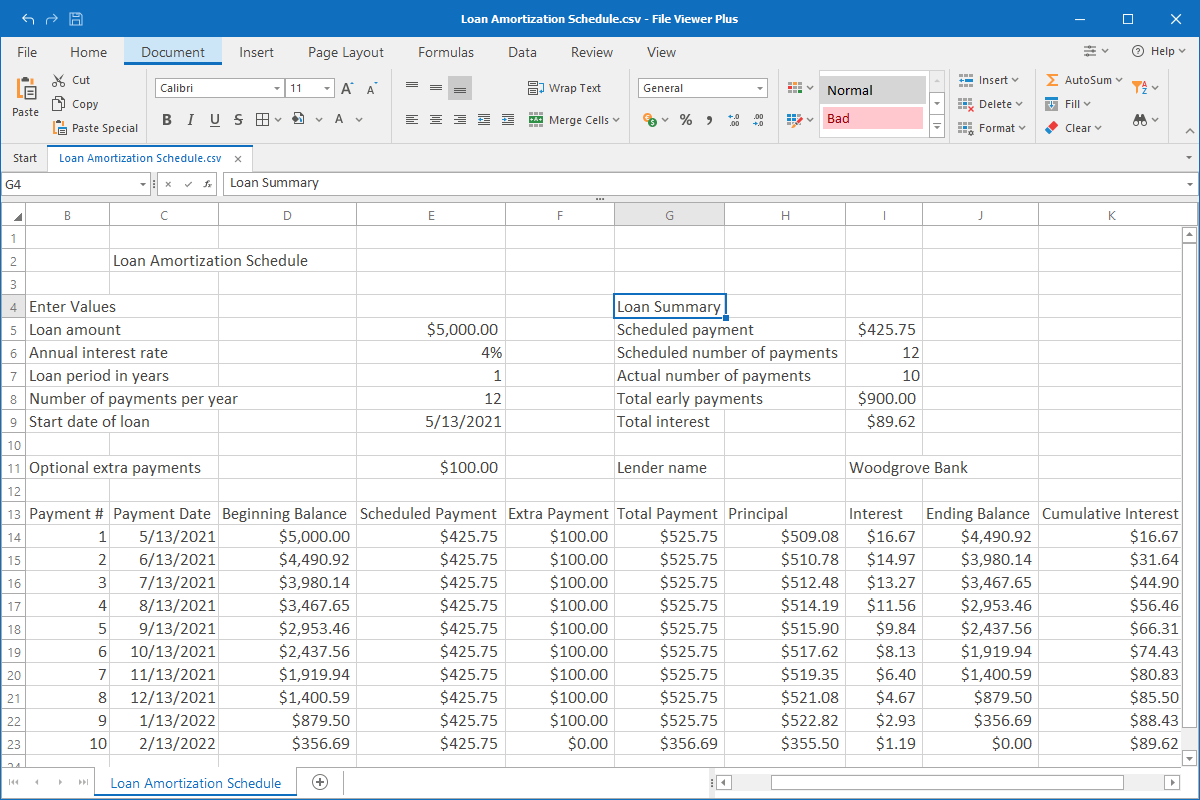
Getting started is a piece of cake! The most common and easiest way to open a CSV file is with a spreadsheet program. Most computers come with one pre-installed. On Windows, you likely have Microsoft Excel. On macOS, you'll find Numbers. Don't have those? No problem! Free alternatives like Google Sheets (accessible through any web browser) or LibreOffice Calc are fantastic options. Simply find your `.csv` file, and try opening it with your chosen program. Usually, double-clicking the file will do the trick. If not, you can always open the spreadsheet program first and then go to 'File' > 'Open' and select your CSV file. The program will likely present it as a neatly organized table, making it super easy to read and understand.
Learning to open and work with CSV files is a small step that can lead to big benefits. It demystifies data, makes organization a breeze, and opens up a world of possibilities for managing information, no matter how big or small your project. So next time you see that `.csv` extension, don't shy away – dive in and explore the simple power of this common file format. You might just find it's more fun and rewarding than you ever imagined!